Back
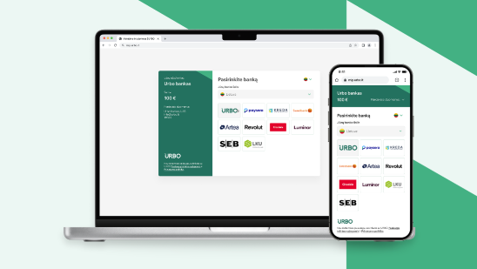
Urbo Bank payment link
About
System capabilities:
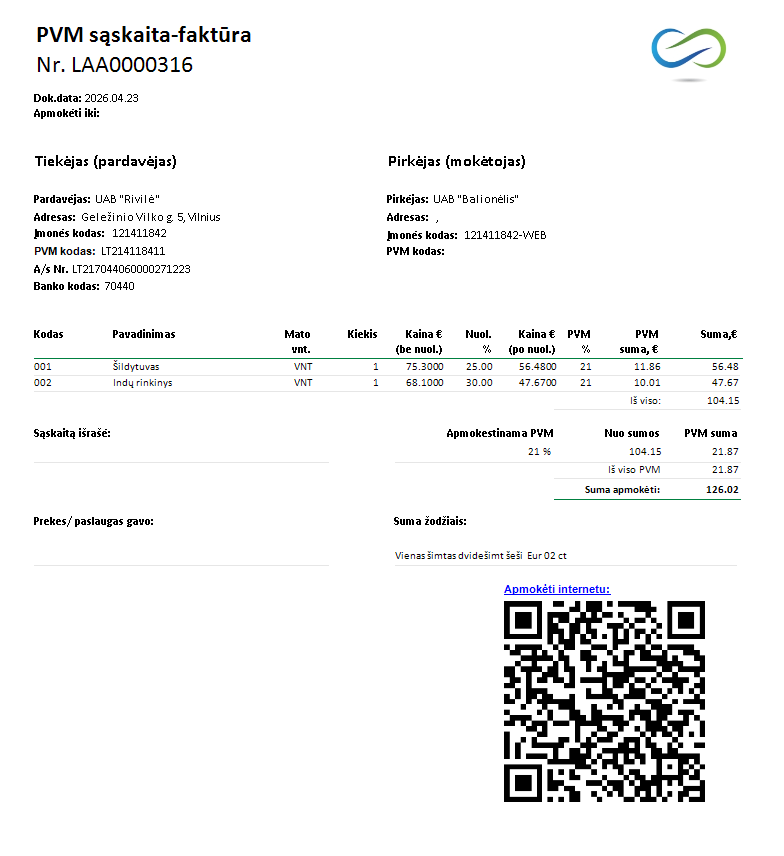
- Ability to generate a direct payment link in invoices or other reports
- Option to encode the link as a QR code
- Option to insert the payment link into the email body
- When making a payment in the bank, the recipient’s account number, recipient details, amount, and payment purpose fields are filled in automatically
Key Benefits
- Simplified payment process — the client’s work when paying invoices becomes shorter and easier
- Error prevention — avoids mistakes when entering the recipient’s bank account number, amount, or payment purpose
- QR code convenience — once a QR code is generated, the invoice can be printed; the payment link works instantly when the QR code is scanned
- Direct access to Urbo Bank — activating the payment link opens the Urbo Bank page, where the client can immediately choose their bank and complete the payment after logging in
Additional Information & Requirements
To activate the service, you should first contact Urbo Bank at mip@urbo.lt or via Write to us | Urbo.lt.
- Sign the contract
- Receive API keys
- Install the solution in Rivilė Gama
- Adjust invoice templates and email texts
Contacts
Rivile ERP
Rivile GAMA


